For Landlords & Tenants
Track every rental fix from request to resolution
Tenants submit photo-rich maintenance requests. Landlords triage, schedule and update status. Both sides confirm completion — and every step is timestamped to the lease.
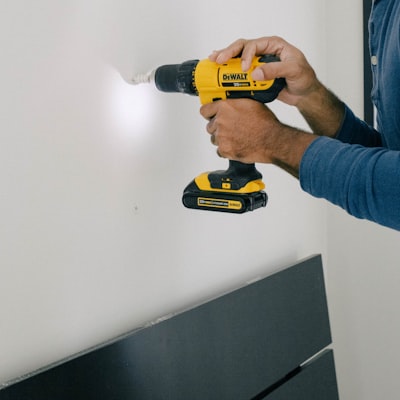


Photo-rich requests, by room
Tenants pick the affected room, attach photos and set urgency in seconds. Landlords see the full context before they reply — no more "what fridge?" exchanges.
- Room-tagged requests (kitchen, washroom, bedroom, etc.)
- Multiple photos per request, captured on mobile
- Urgency levels — emergency, urgent, normal
- Optional landlord-only triage notes
Status, timing and response history
Each request moves through clear stages — open, in progress, scheduled, done, closed. Response times are tracked silently for both parties’ records.
- Status: open → in progress → scheduled → done → closed
- Tenant confirmation required before closing
- Response time recorded per stage transition
- Reopen with one tap if the issue returns
Hearing-ready repair history
When repairs become a dispute (rent reductions, T6 applications, withheld rent), the maintenance log produces a defensible timeline — photos, timestamps and tenant acknowledgements included.
- One-click export of the maintenance history
- Photos retained in private, access-controlled storage
- Linked to the same audit log as notices
- Maps directly to LTB Form T6 evidence sections
Set up in minutes.
Tenant submits
Photos, room tag and urgency — from web or mobile.
Landlord triages
Acknowledge, set priority, schedule the visit.
Both confirm
Photos of completed work; tenant confirms or reopens.
The short version.
- No more lost-in-text-thread maintenance
- Tenants get faster, documented responses
- Landlords avoid T6 disputes with clear records
- Photos captured and stored in Canada
- Mobile push alerts to both sides
- Free unlimited requests on every plan
Explore the rest of the toolkit.
Make every tenancy a record that holds up.
Free for your first property. No credit card. Your data stays in Canada — and exports as a ZIP whenever you ask.